A password manager whose server knows nothing.
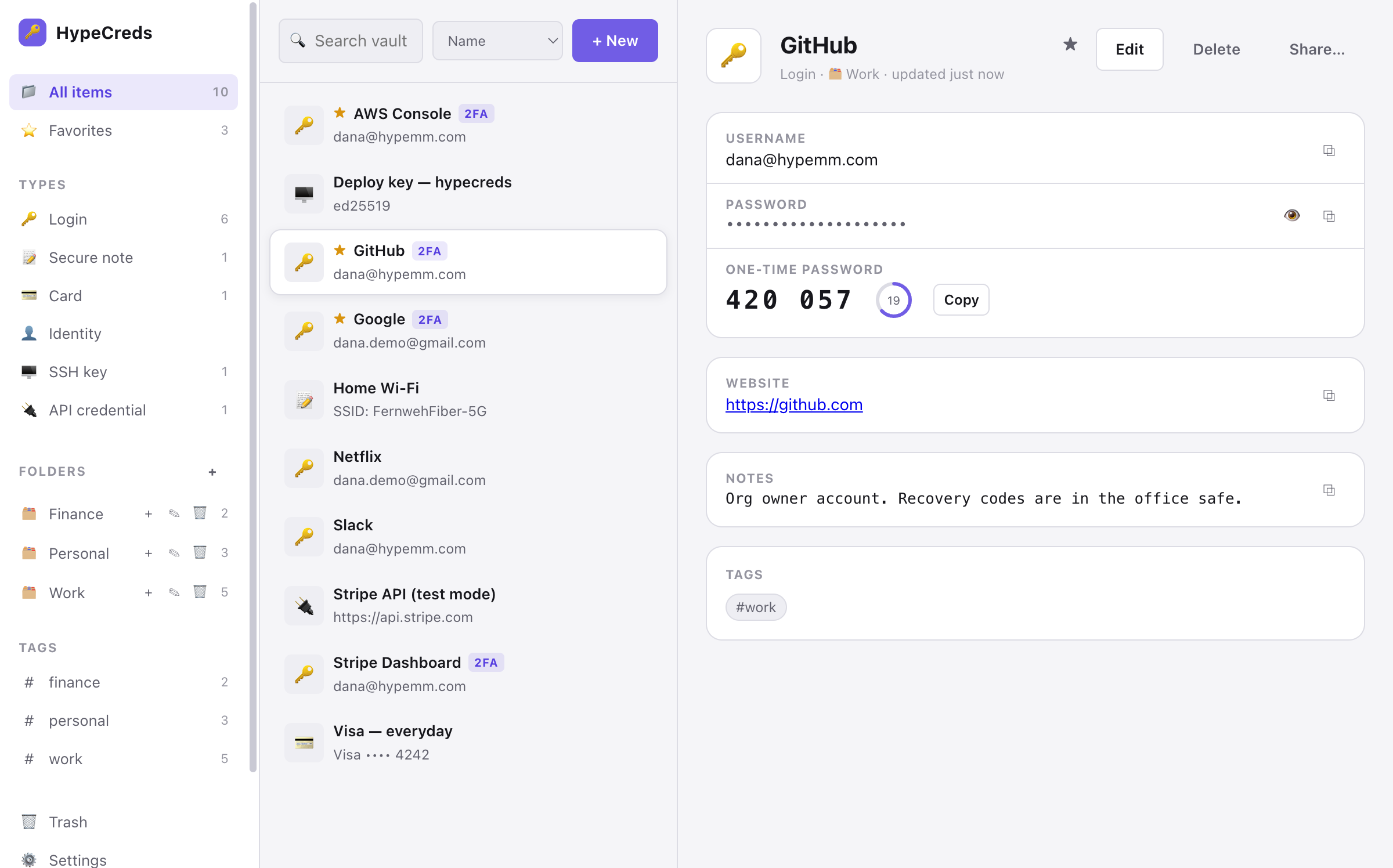
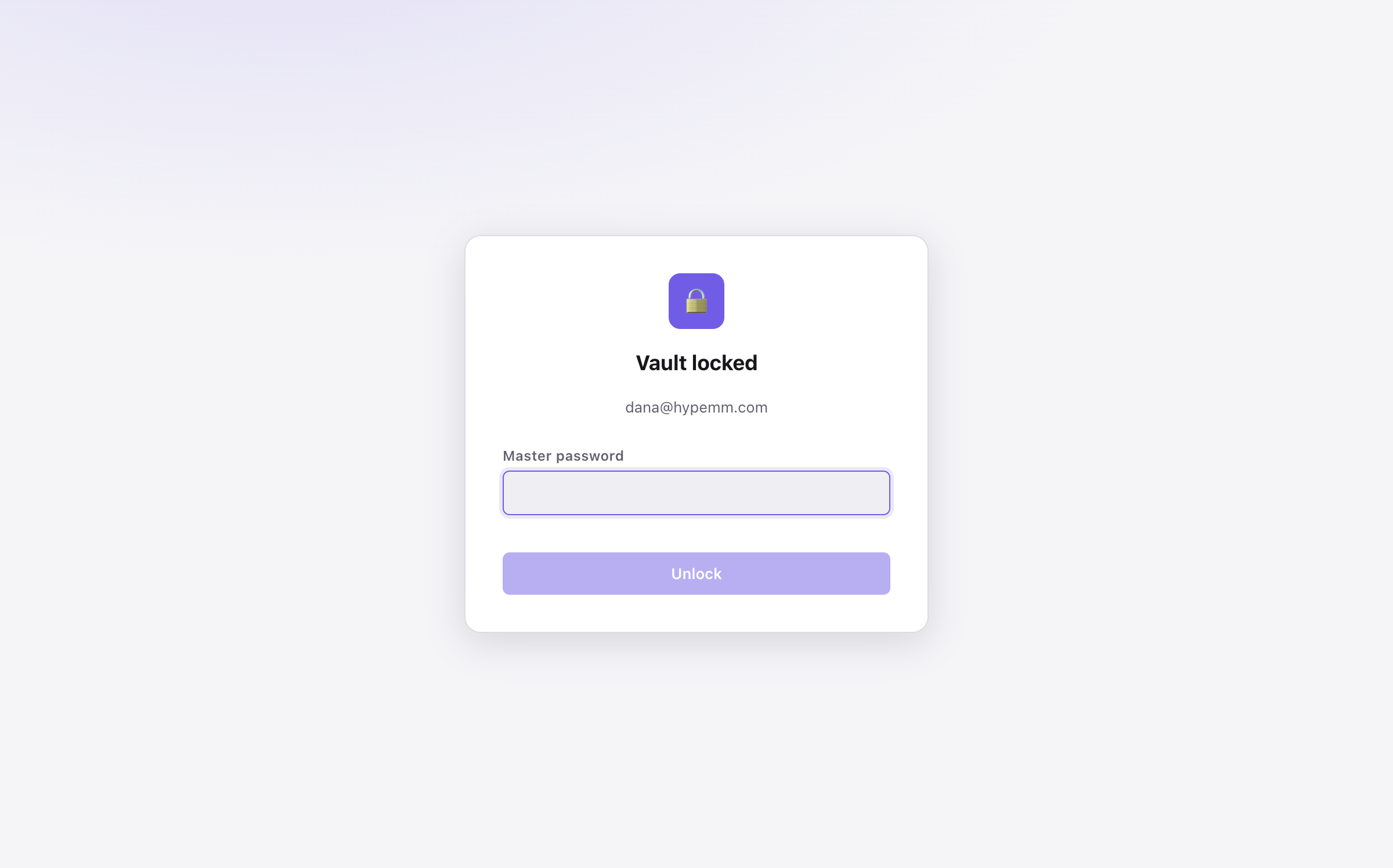
HypeCreds is a zero-knowledge, end-to-end encrypted password manager — use our hosted service or run the server yourself. Every secret is encrypted on your device before it leaves; the server stores only opaque ciphertext. Whoever operates it, nobody but you can read your vault.
Request pilot access HypeCreds is currently in a private pilot. There is no public signup or download yet.The desktop app
And a real CLI

hype CLI speaks the same encrypted vault
format: create, add, generate, fetch one-time codes, and sync from any
terminal or script — with a session agent so you unlock once, not per
command.Env vars, straight from the vault
Point your app at the vault instead of a plaintext .env. A committed
.hypecreds-env.toml declares named profiles — dev,
staging, prod — that map each variable to a vault
reference, never to a secret value, so the file is safe to check in. Every
reference resolves against your local encrypted vault on your machine; the server
never sees these values.
Committed, but leaks nothing
The manifest holds pointers like stripe-prod#api-key, not the
secrets themselves — so you can diff it, review it, and commit it with nothing
sensitive to spill.
Run without touching disk
hype env run staging -- npm start resolves the profile and injects
it straight into the child process's environment. No plaintext file is written.
A file only when you must
Need a real .env for a tool that insists on one? hype env
render writes it locally at 0600 and warns if it isn't
gitignored.
How your secrets stay yours
- Your master password never leaves your device. It is stretched with Argon2id (64 MiB memory-hard by default) into a master key that exists only in client memory.
- The server authenticates a derivative, not the password. Login uses a one-way HKDF-derived auth hash, which the server hashes again before storing.
- Every item is sealed individually. Vault entries are encrypted client-side with XChaCha20-Poly1305 under a random vault key, itself wrapped by your master key — so a password change never re-encrypts your data.
- Sharing is public-key, end to end. Shared-collection keys are sealed to each member device with X25519 and signed with Ed25519. Administrators manage membership without ever holding a decryption key.
What's in the box
Hosted — or host it yourself
Use our managed cloud, or run the same single container plus PostgreSQL on your own infrastructure. Either way, the keys stay on your devices.
Desktop app, CLI & extension
An Electron desktop app, a hype command-line tool, and a browser extension with autofill — all speaking the same audited crypto core.
Team sharing
Organizations, collections, roles, and invitations — with cryptographic membership, key rotation on removal, and no admin backdoor.
Enterprise sign-in
OIDC single sign-on with PKCE for authentication. SSO signs you in; it never decrypts — vault keys stay client-side.
Everyday essentials
Password & passphrase generator, TOTP codes, breach checks via the HIBP k-anonymity API, trash & soft delete.
Bring your vault with you
Importers for Bitwarden, 1Password, LastPass, and Chrome; encrypted JSON export you can restore anywhere.
Honest by construction
The cryptography is boring on purpose: Argon2id, HKDF-SHA256, XChaCha20-Poly1305, X25519 and Ed25519 from audited open-source libraries, with fresh random nonces and context-bound authenticated data on every envelope. The server API accepts ciphertext and returns ciphertext. If our database leaked tomorrow, your secrets would remain sealed behind your master password's memory-hard key derivation.